Client installation
|
Run Prerequisites Installation like Server before beginning the Client setup. Execute Praxis Client installation with the Computer Login User having administrative privileges. |
-
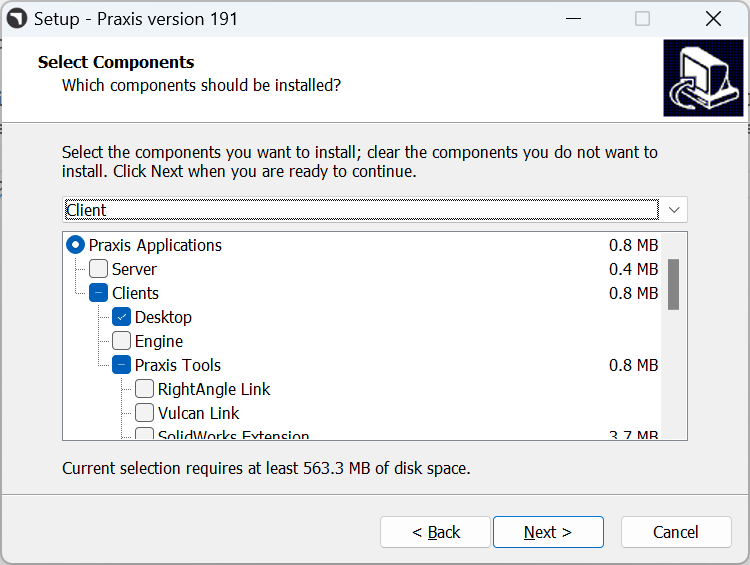
Use the same installer that was used for Praxis Server installation. In the client machine, after executing the installer, Select Client option on the component selection page. Pick the required Praxis tools and Click Next.
-
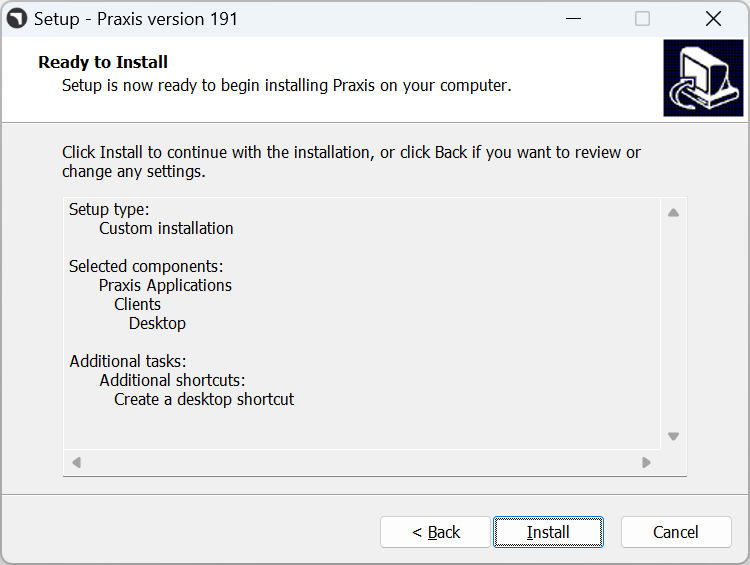
Ready to Install page summarizes the install list. Click Install to proceed with the Installation in Client Machine.
-
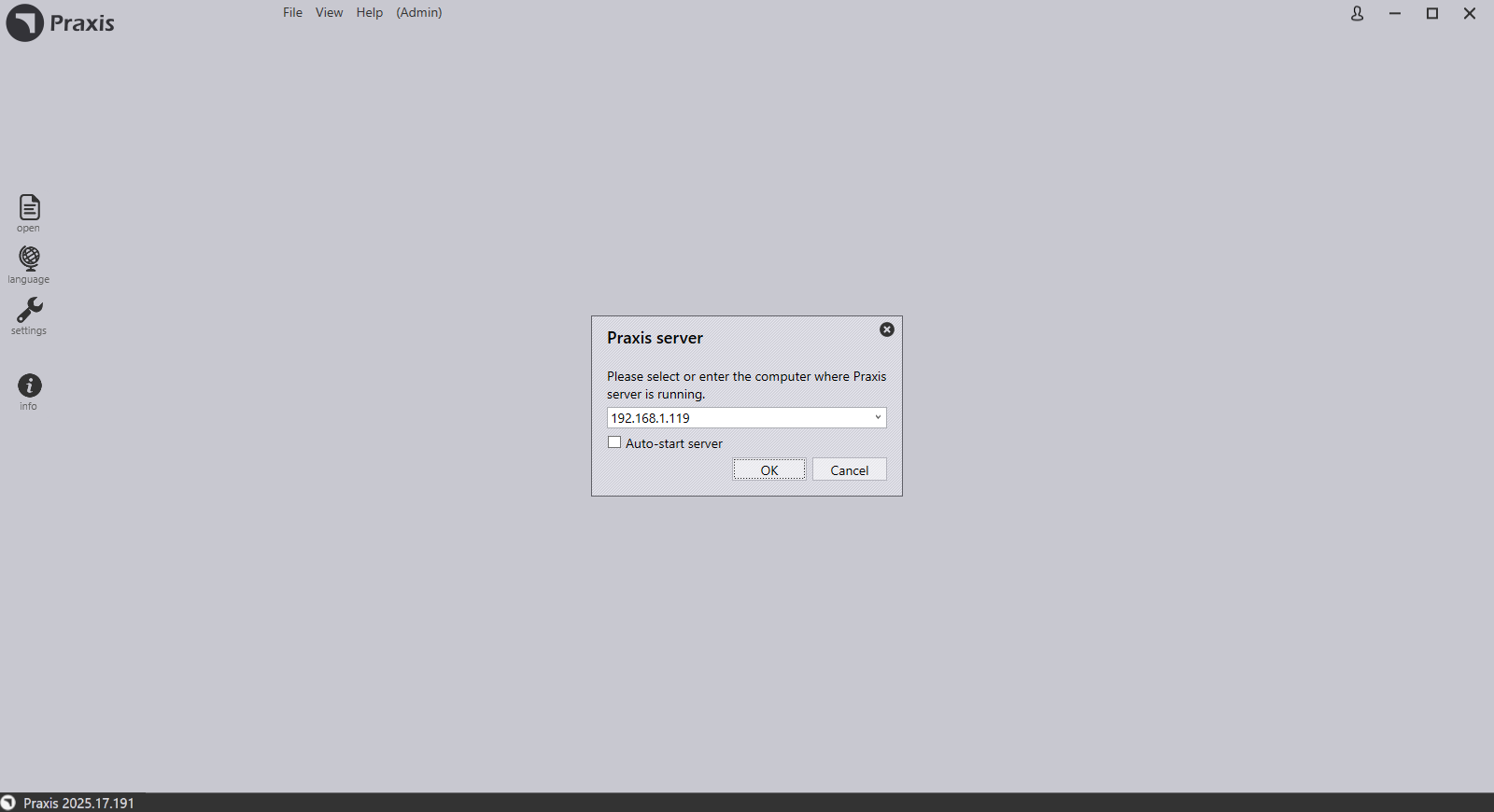
Once installation is completed, select Launch Praxis checkbox and Click Finish. When Praxis screen launched, provide the Server name or IP address of Praxis Server PC. Click OK .
-
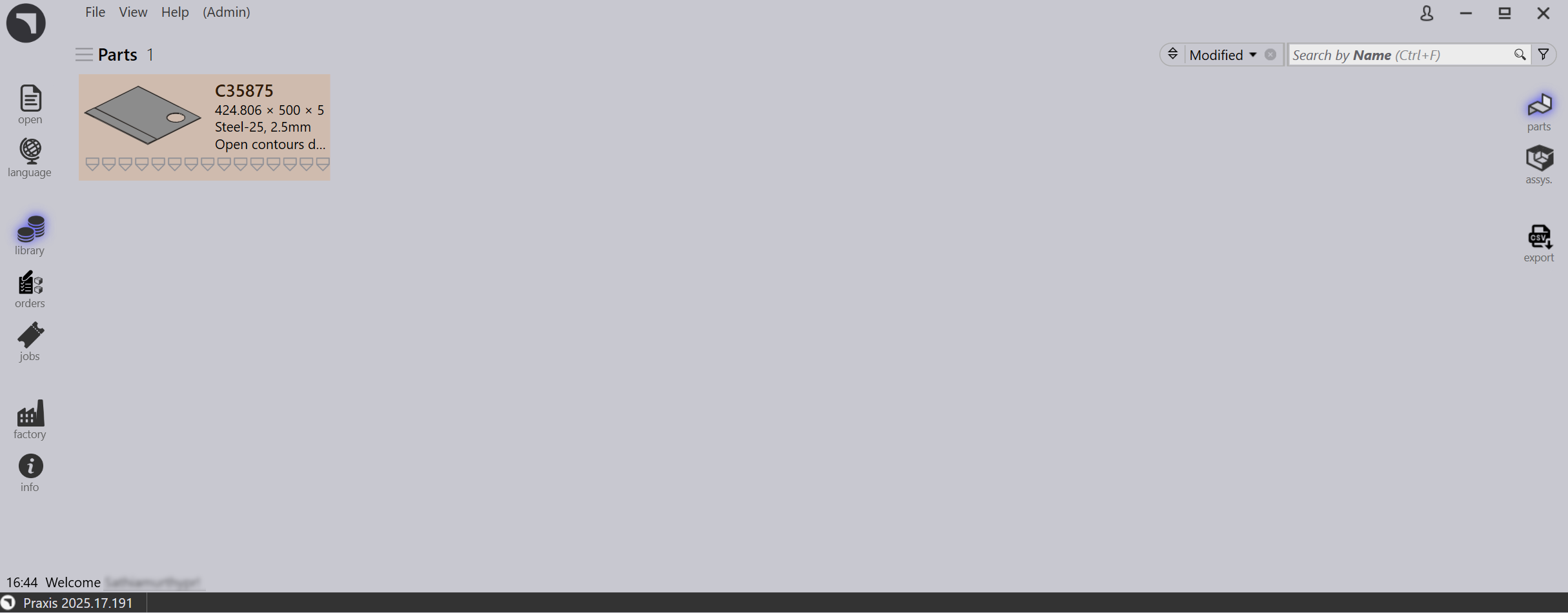
Once connected, Praxis displays the Sign up prompt with programmer permission. Set Email ID, password if needed and click OK. Praxis Library page loads with welcome UserName at the bottom left information area.