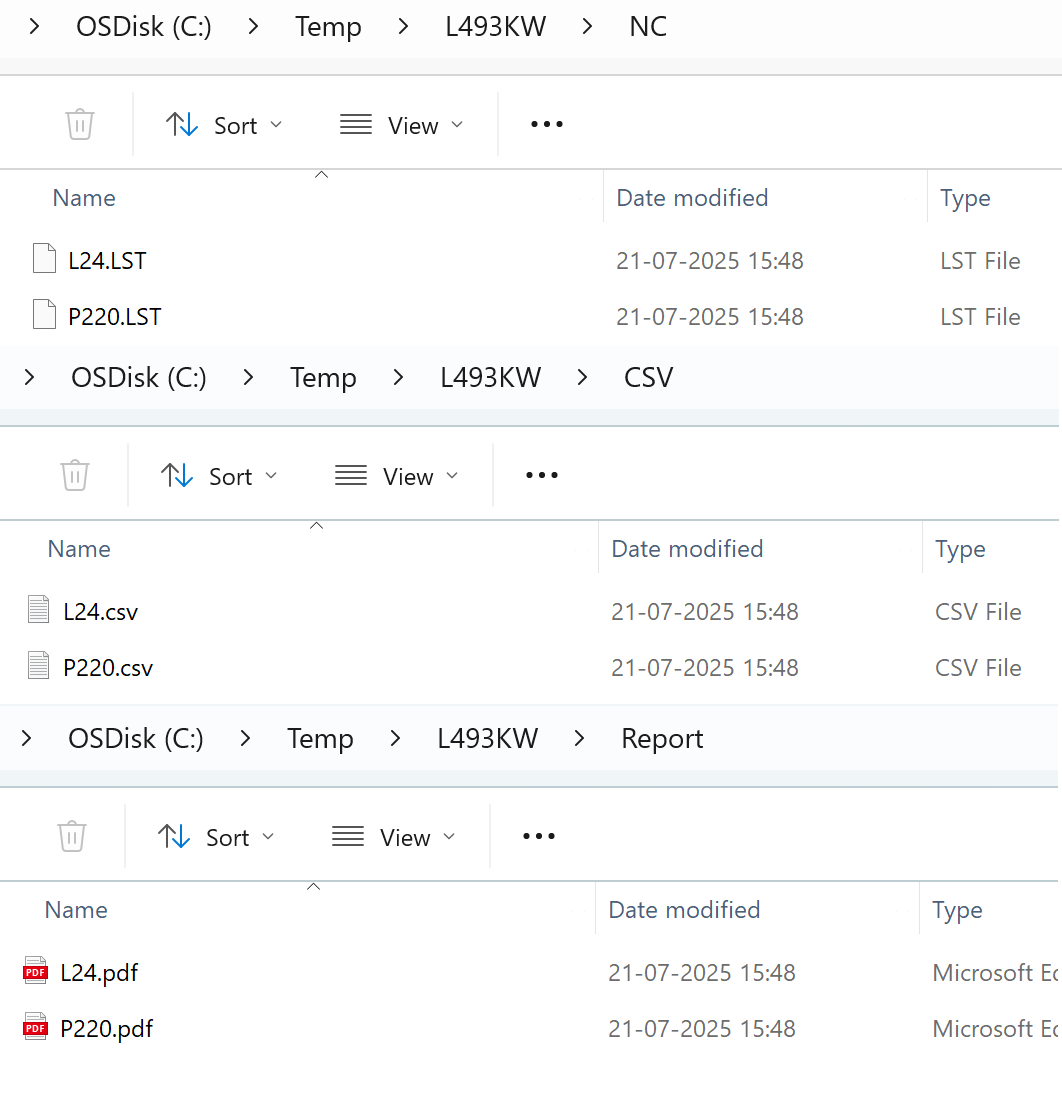
Report sender
-
By default, when a Nest is sent to the machine, all output files (NC, Report, and CSV) are saved in a folder named after the Nest.
-
Instead of sending all output to the Nest folder, you can export NC, Report, and CSV files to specific folders using the Report Sender.
-
To configure this, go to Factory → routes → Code sender and select ReportSender.
-
Set the destination folders for NC files, Report files, and CSV files.
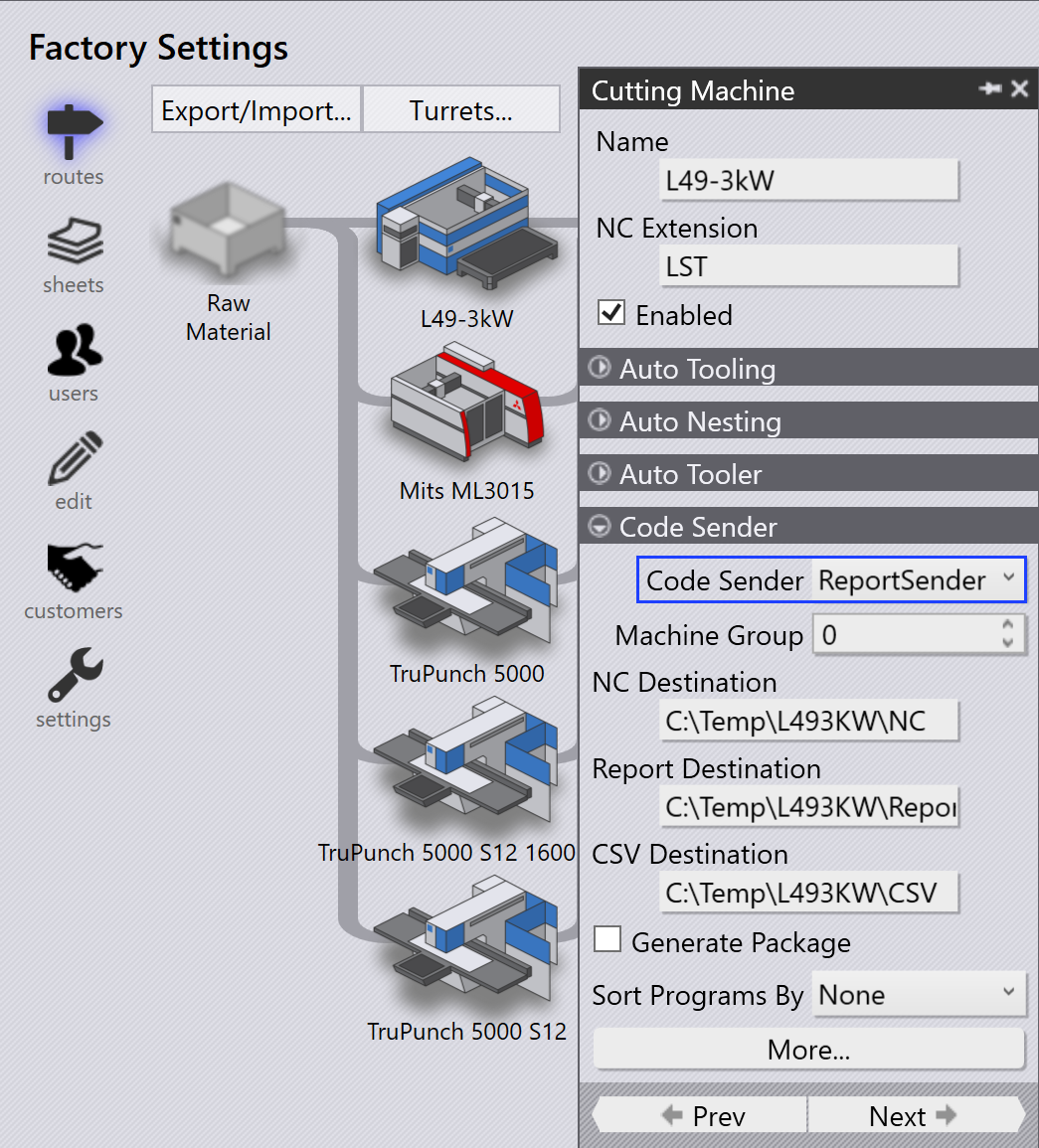
-
When Send to Machine… is done for a Nest, the NC, Report, and CSV files are exported to the configured folders instead of the default Nest folder.
-
When Recall from Machine… is done for a Nest, the corresponding NC, Report, and CSV files are removed from the configured Report Sender destination folders.
-
This ensures that only valid files remain in the output folders and makes it easier to manage exported files.