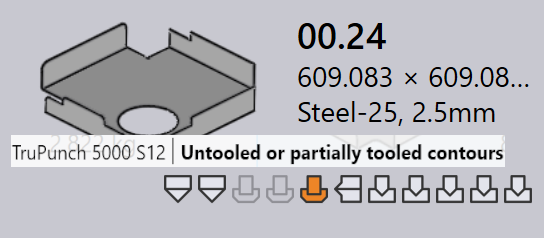
Tooling status
In Praxis, each part tile visually indicates the tooling status of that part for all available machines. This helps users quickly see which machines a part is tooled for, and whether the tooling is ready, requires review, or is missing.
-
The tooling status is shown directly on the part tile using icons and color indicators.
-
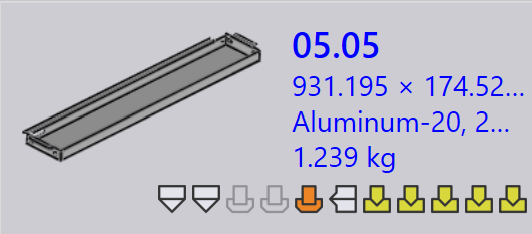
Each icon represents a machine technology (e.g., Punching, Laser).
-
The color of the icon indicates the current tooling status for that machine.
The table below explain the meaning of each icon and color, helping users interpret the tooling status accurately.
| Machine icon | Description |
|---|---|
|
Laser cutting machine |
|
Punching machine |
|
Press brake |
|
Panel bender |


| Tooling status | Description |
|---|---|
|
Tooling is ok |
|
Tooling has warnings |
|
Tooling has errors |
|
Tooling not available |


Tooling errors
A CAM (Computer-Aided Manufacturing) error occurs during the tooling ors manufacturing preparation stage. These errors arise due to issues like tool collisions, missing tooling, or invalid cutting conditions.
Bend tooling errors
-
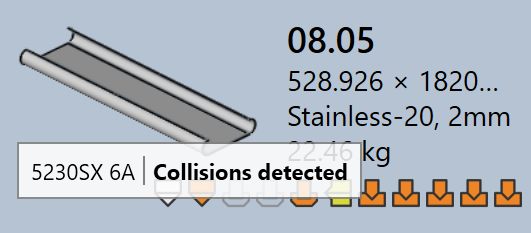
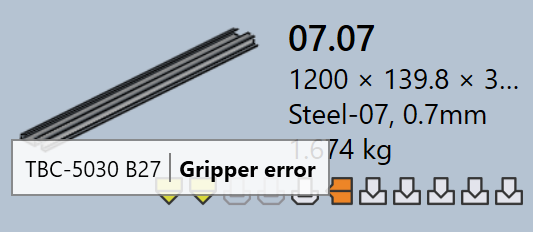
Collisions detected and Gripper error : The bending setup causes tool or gripper collisions during simulation.
-
Tool Overload and Narrow flange or hole too close : The bend tools are overloaded, or holes are located too close to the bend line, which may damage the part or tools.
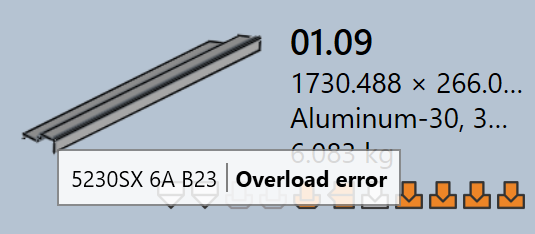
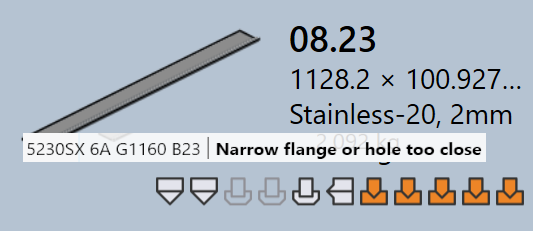
-
Needs review and Short Punch/Die span : The tooling setup needs manual inspection, or the selected die/punch span is smaller than required for the part.
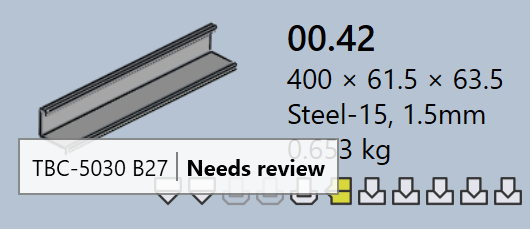
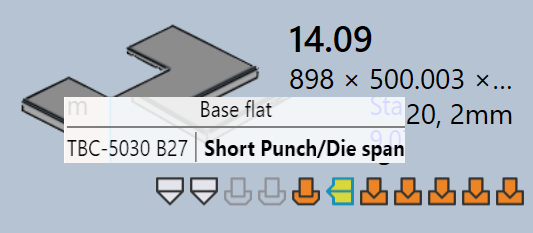
-
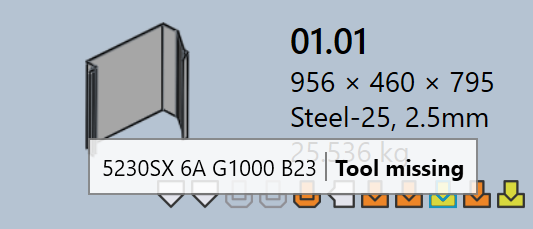
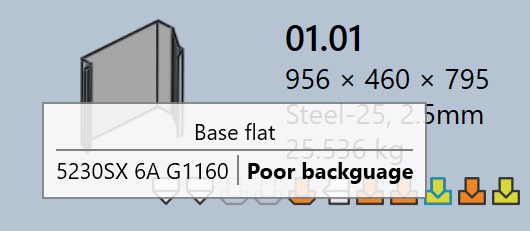
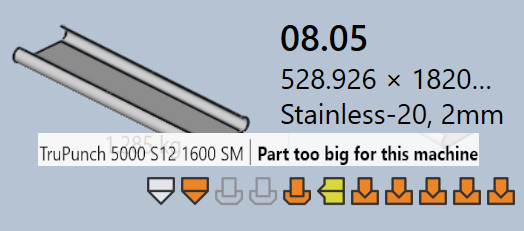
Tool Missing, Poor backguage, or Part too big for this machine : Required bending tools are not available, backgauge is not configured properly, or the part is too large for the selected machine.
Cut tooling errors
-
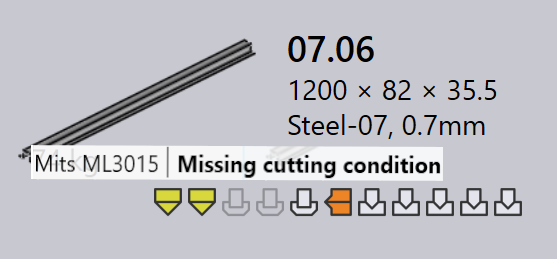
Missing cutting condition : The cutting condition is not mapped for the raw material, so cutting cannot be performed.
-
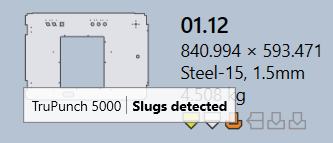
Slugs detected : In punch tooling, inner loops are fully tooled without any holding tabs or joints. This can cause small cut pieces (slugs) to fall freely during punching.
-
Untooled or partially tooled contours : Some shapes or edges are missed or only partly covered during the tooling process, making the part incomplete for cutting.