
Out-of-date
When you edit or revise a part that has already been sent for nesting, the changes you made must also update in the nests. This is called refreshing out-of-date layouts — it makes sure the Job always uses the latest version of the part.
-
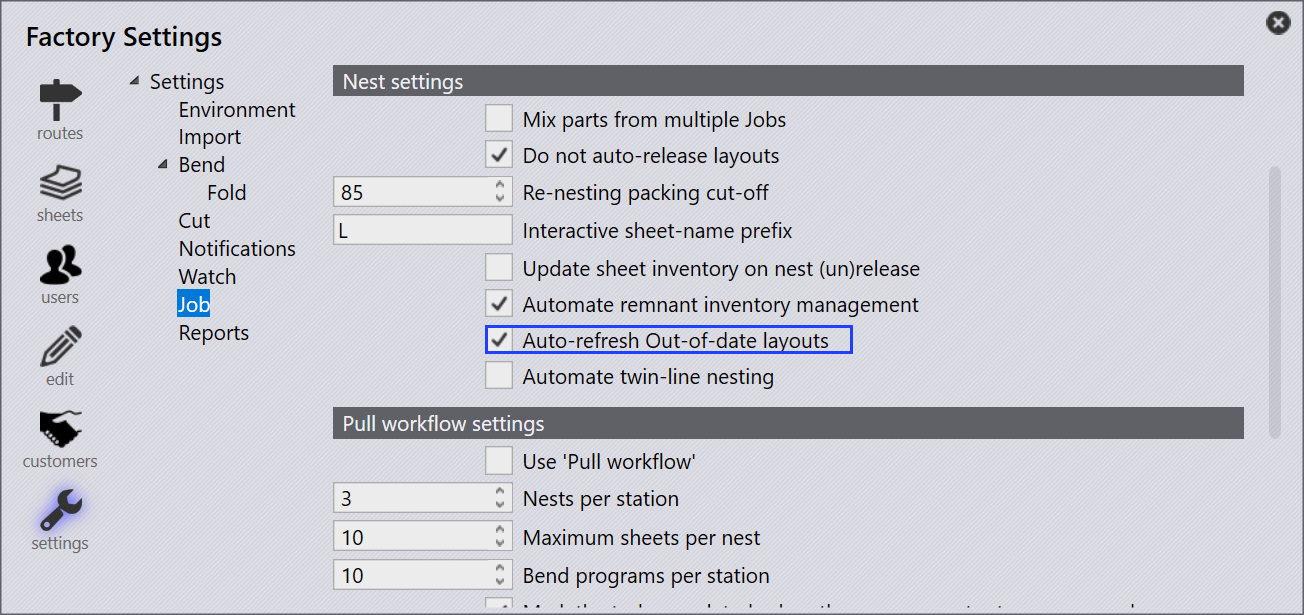
To enable this, go to factory → Job → Nest settings and select the Auto-refresh Out-of-date layouts checkbox.
-
If Auto-refresh Out-of-date layouts is turned on, any layouts that are in Progress or in Approval State are refreshed automatically with the revised part — no manual action is needed.
-
If Auto-refresh Out-of-date layouts checkbox is not selected, you need to update the nests manually.
-
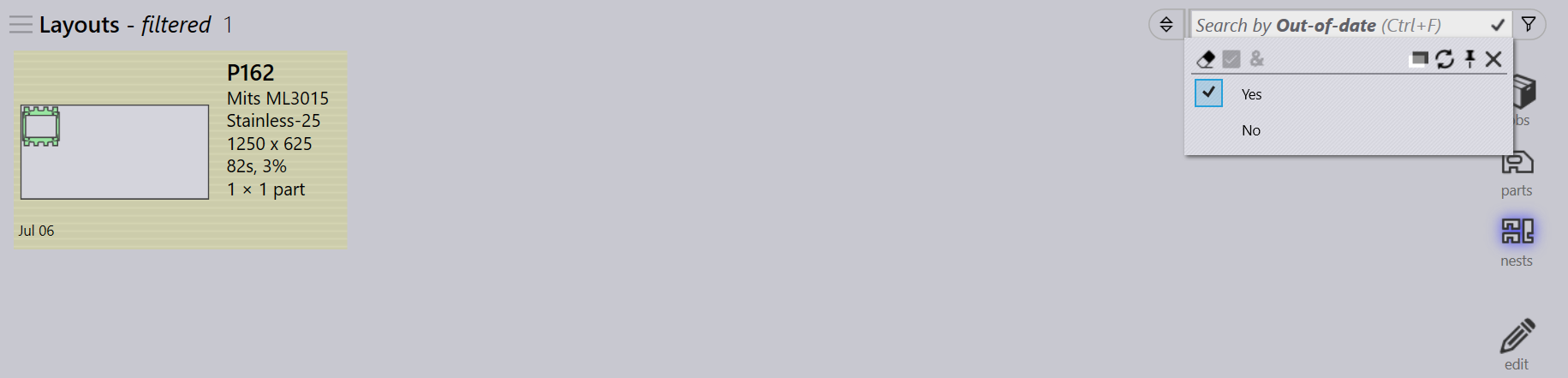
Go to Job → nests page and select Yes in the Out-of-date filter and to find all nests using the old version.
-
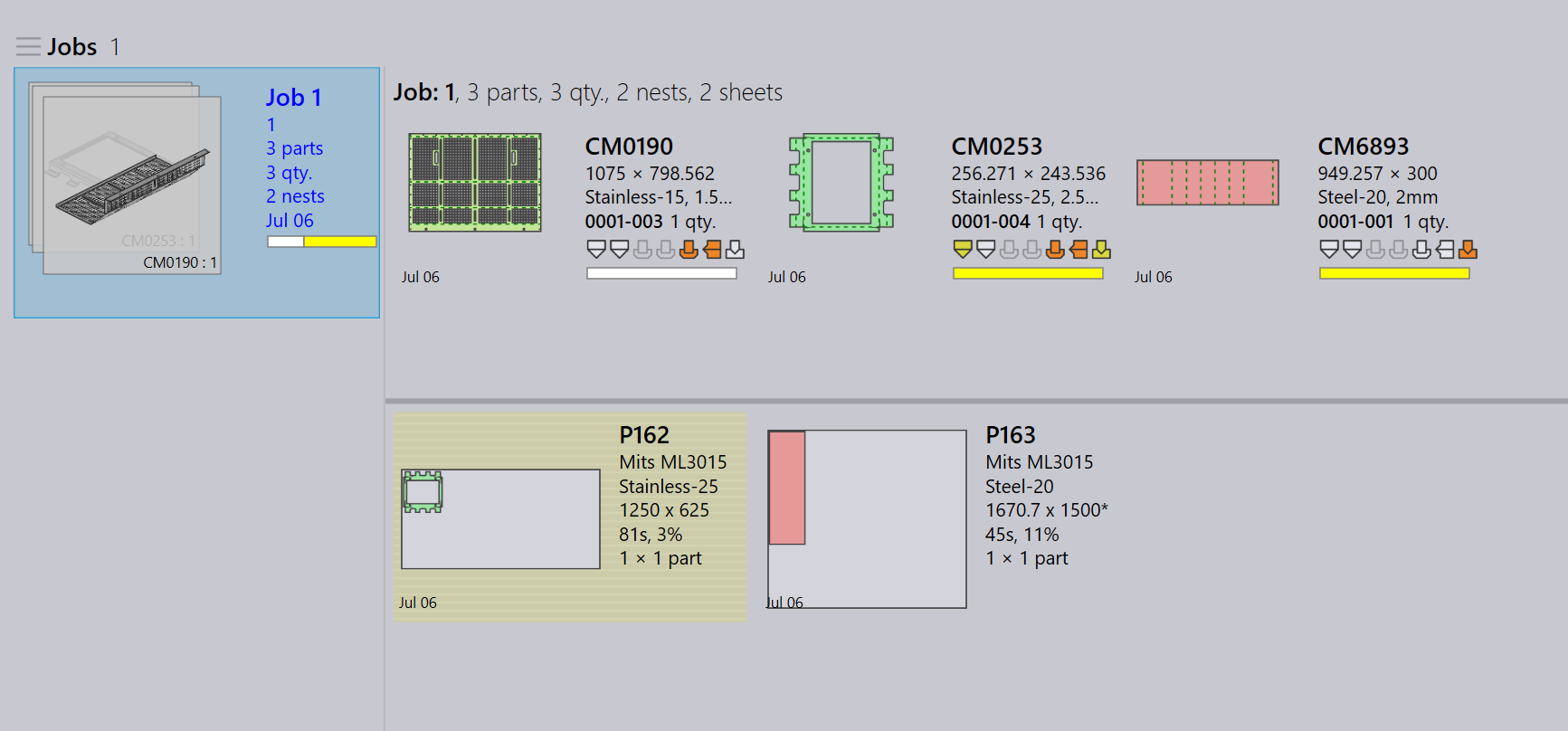
Out-of-date nests are highlighted in yellow.
-
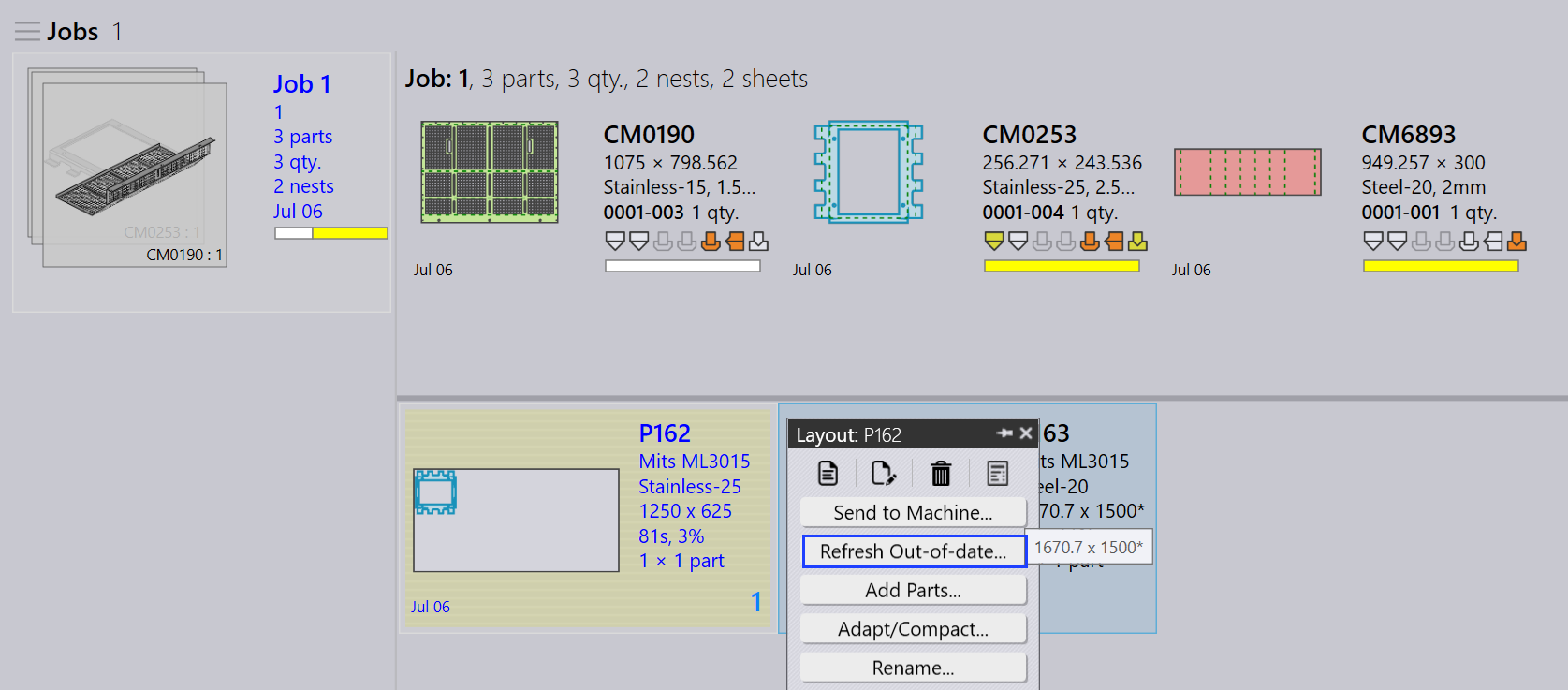
Right-click the highlighted nest and click Refresh Out-of-date.
-
The nests are updated with the revised part, and the changes are applied to the job.